


Solutions Exchange | QuickBooks


Solutions Exchange | QuickBooks
Modular Solutions | Finance Module | Client Resource
Purpose
To explain what the Intuit QuickBooks Online integration provides, how accounting data flows between Modular Solutions and QuickBooks Online, and what it changes for finance teams.
Overview
The Intuit QuickBooks Online integration helps Modular Solutions clients keep key accounting records aligned with their operational activity. By connecting Modular Solutions with QuickBooks Online, clients can reduce manual re-entry, improve financial accuracy and maintain a clearer audit trail between insurance operations and accounting records.
What the Integration Delivers
- Synchronisation of selected accounting data between Modular Solutions and QuickBooks Online.
- Automatic creation and updating of supported accounting records, including customers, vendors and journal entries.
- Reduced duplicate data entry between operational and accounting teams.
- Better auditability and traceability between source activity and financial postings.
- Faster reconciliation and a more efficient financial close process.
How It Works
| Step | What happens |
|---|---|
| 1. Connection and setup | During setup, Modular Solutions is connected to the client’s QuickBooks Online account and aligned to the client’s accounting structure. |
| 2. Financial activities occur | As supported financial activity takes place in Modular Solutions, the integration translates that activity into the appropriate accounting records. |
| 3. Data is synchronised | Relevant records are synchronised to QuickBooks Online, helping finance teams avoid duplicate entry and maintain consistency across systems. |
| 4. Validation of data | Built-in validation and audit tracking help improve accuracy, support reconciliation and provide better visibility into posted accounting activity. |
Business Impact
| Benefit | What it means |
|---|---|
| Improved record consistency | Operational and accounting records stay aligned. |
| Scalable foundation for growth | The accounting process keeps pace as volumes grow. |
| Faster reconciliation | Less time spent matching records at close. |
| More confidence in reporting | Stronger financial controls behind the numbers. |
| Improved accounting accuracy | Fewer errors from manual re-entry. |
| Reduced manual effort | Less duplicate work across teams. |
In Summary
This integration supports QuickBooks Online only. Not every operational event appears as a like-for-like record; in many cases, activity is reflected through the appropriate accounting entry. It is a strong option for those who want to reduce manual accounting work, improve accounting accuracy, increase speed of reconciliation and have better traceability of accounting data.
About Intuit QuickBooks
Intuit QuickBooks Online is a widely used cloud accounting platform for small and mid-sized organisations. It supports bookkeeping, reporting, expense management and broader financial administration, making it a strong fit for organisations that want to connect accounting processes with core insurance operations in Modular Solutions.
Further information: quickbooks.intuit.com
Partner Overview
The partner overview below is reproduced in full above, so the content is searchable and readable without opening the images.
QuickBooks partner overview, page 1 of 4.
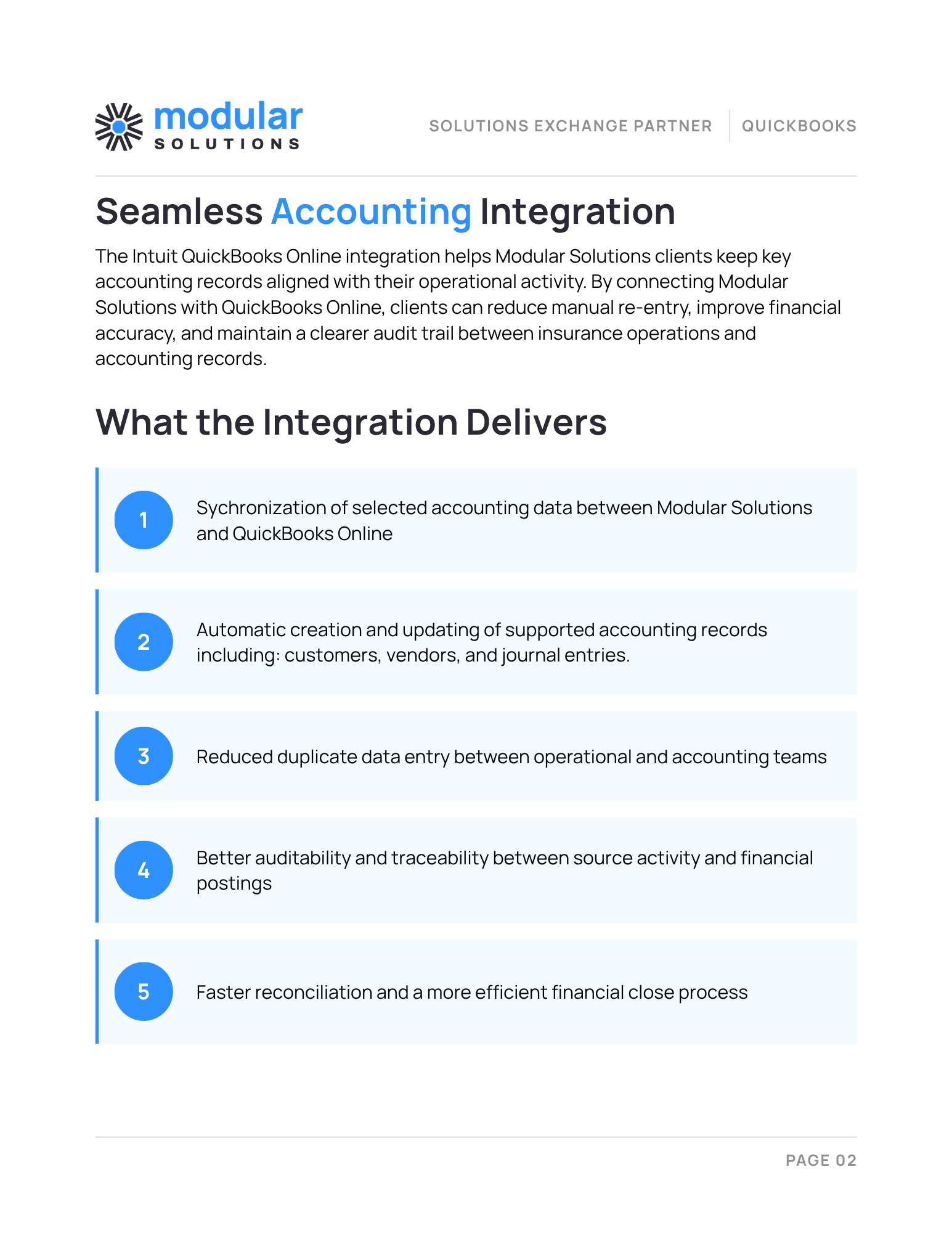
QuickBooks partner overview, page 2 of 4.
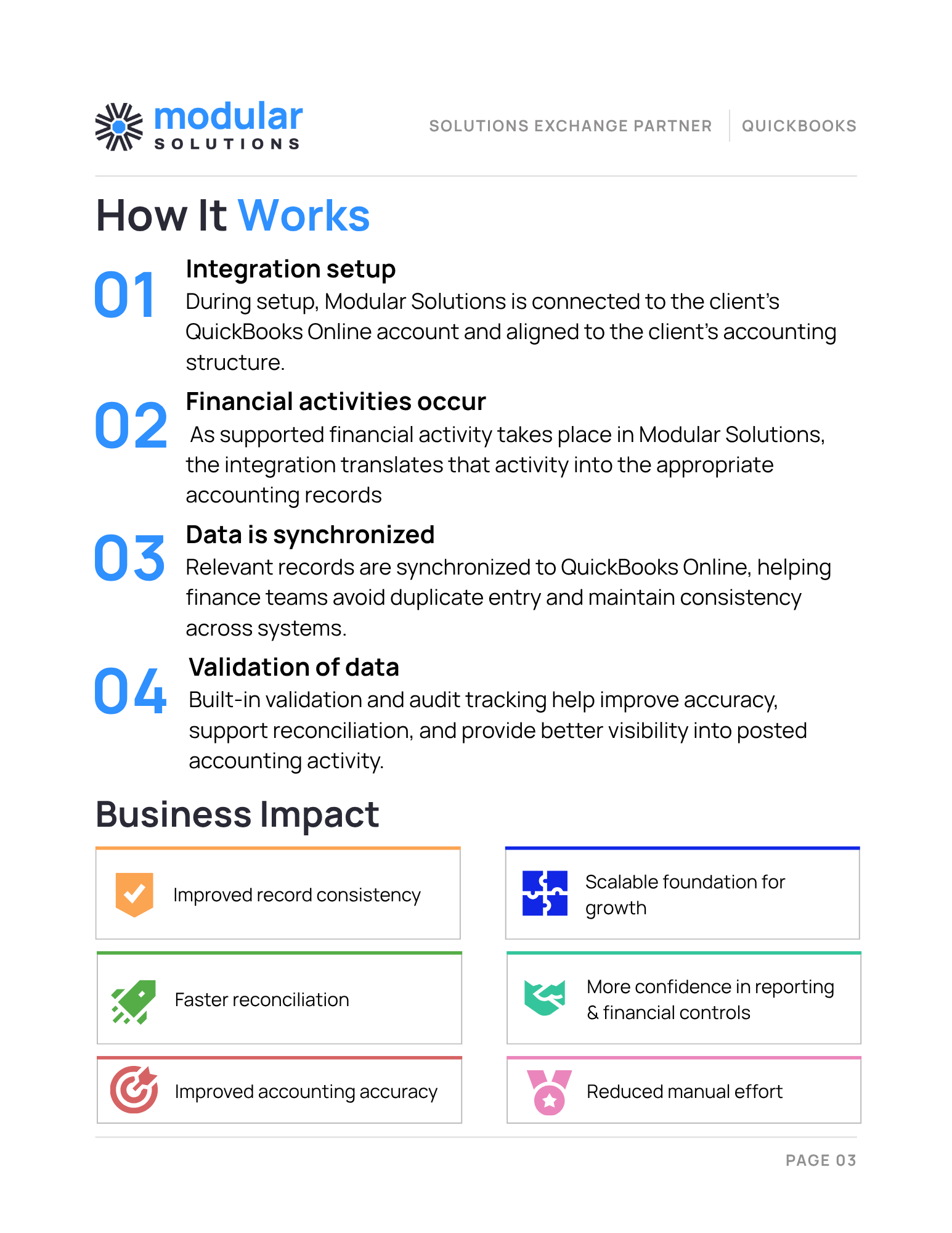
QuickBooks partner overview, page 3 of 4.
QuickBooks partner overview, page 4 of 4.
Status
| Article Status | Published |
| Audience | Partners and Clients |
| Owner | Partner Success, Modular Solutions |
| Last Reviewed | 28 September 2026 |
Version / Sprint Reference
| Module | Finance |
| Partner | Intuit QuickBooks Online |
| Review Frequency | Quarterly, or when the QuickBooks integration changes |

